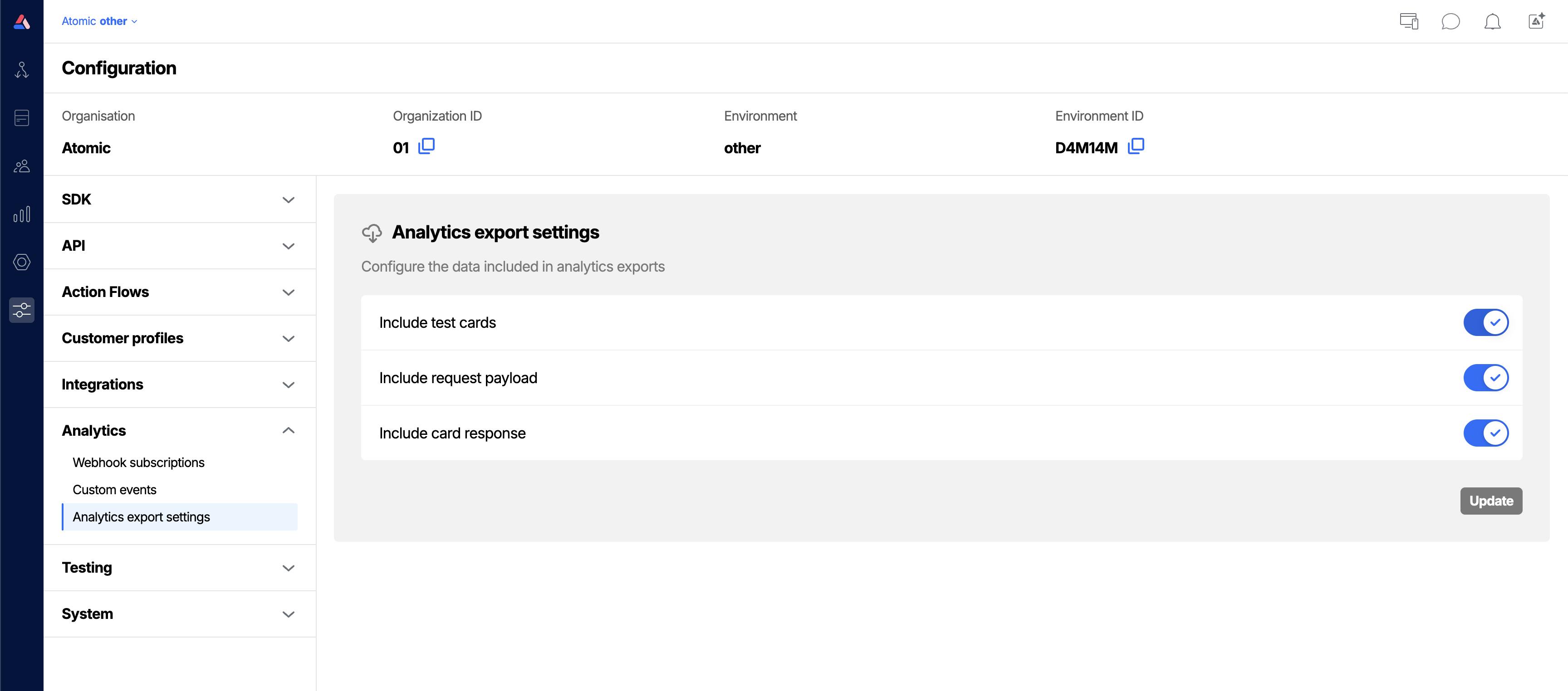
Analytics export settings
The data available in analytics events is determined in part by settings you can control for your Environment, these include:
Test card events Whether test card events are included. If they are, they will be clearly marked as tests.
Request payload Whether any data originally sent in event triggers should be returned back in analytics.
Card response data Whether the responses for forms by customers interacting with cards should be available at all analytics events. Note: it is common to enable this, but then use Webhook mapping to remove unwanted data from individual subscriptions.
Custom events Whether your own custom events are included in the hourly analytics batch files. Off by default. Turning it on adds rows to every batch file, so if you query those files from a fixed schema, expect the row count to rise. Selecting a custom event in an S3 bucket's event list has no effect until this setting is on.
In Parquet and CSV a custom event:
- has
eventTypeset tocustom - is named by
eventName - has no
analyticsEvent - carries its properties in the
customPropertiescolumn as JSON.
In newline-delimited JSON the properties stay nested under properties as they are on the event itself.
Edit analytics export settings
From the Analytics export settings tab of the configuration area, update your settings and save.